Pop-ups playbook
Location-locked QR codes for pop-ups
Make the physical visit part of the offer: the code can travel online while the reveal stays tied to the pop-up itself.
Good starting precisionVenue / P7
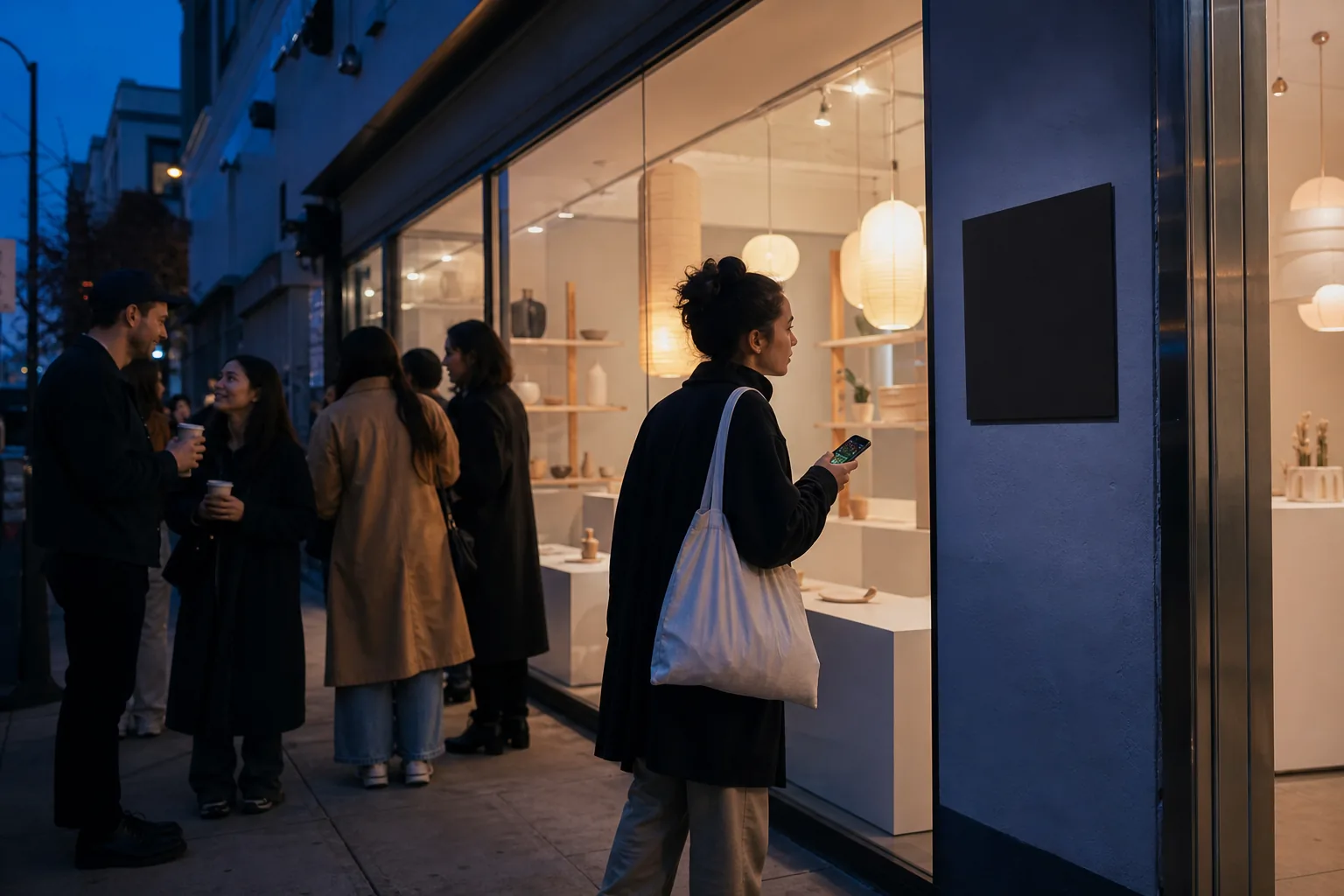
Design for the physical context.
The visitor is standing at the temporary storefront or activation and is ready for the detail that should not travel ahead of the experience.
The place should clarify why this content opens now. That creates a stronger interaction than treating location as decoration or an invisible gate.
Build the reveal around one clear action.
Keep the visitor’s instruction short: scan, allow precise location, scan once more.
- 01
Decide what earns the visit
Use a reveal that becomes more useful or more meaningful at the physical site, not a generic homepage link.
- 02
Inspect the neighboring cells
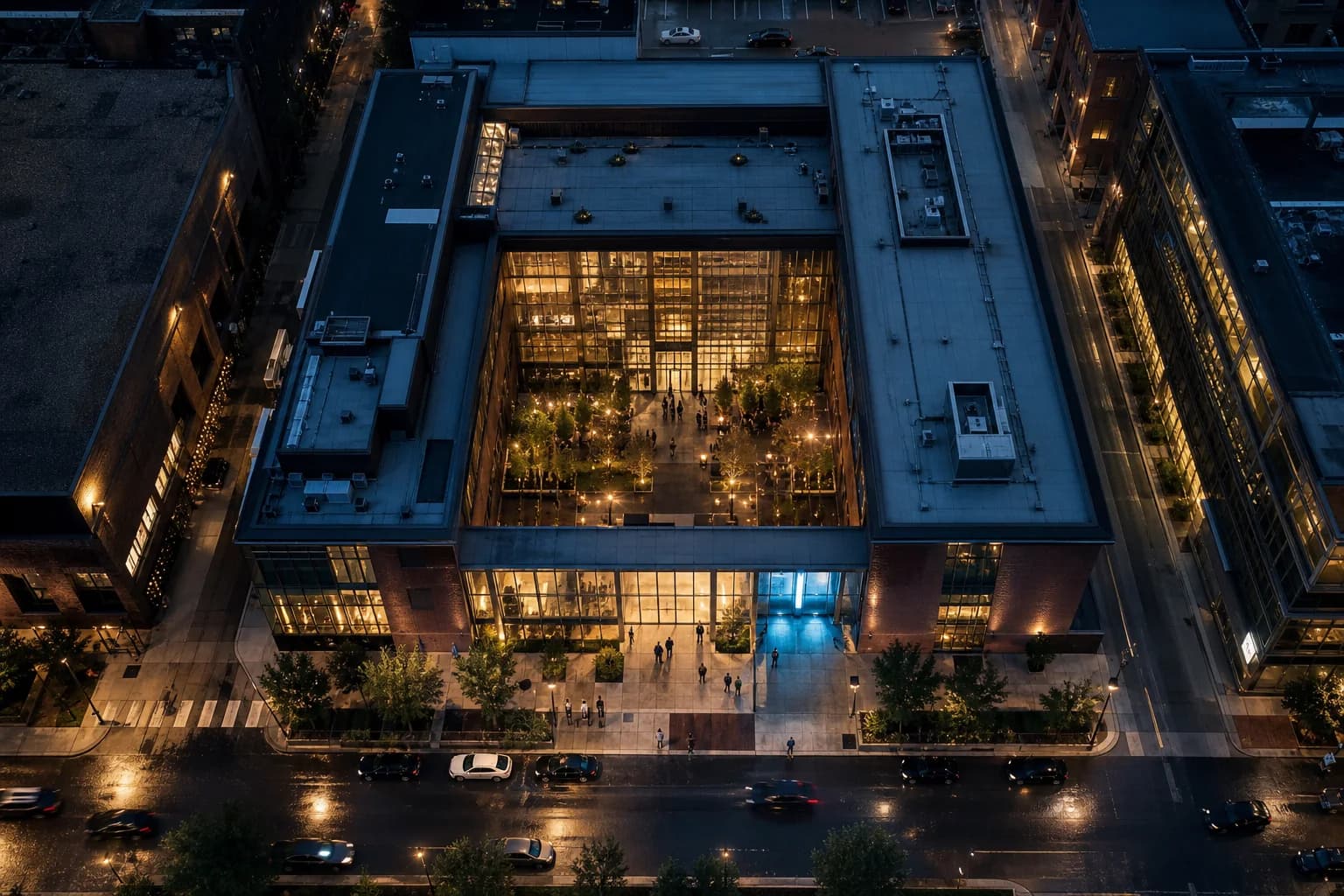
Make sure the chosen rectangle does not unintentionally cover a nearby storefront or miss the queue area where people will scan.
- 03
Design the sign around two scans
Tell visitors the normal camera opens the scanner, then they will point at the carrier once more after allowing precise location.
Reported fix · 18 m accuracyInside exact cell
Across the streetOutside · stays locked
- Cell
- P7 · Venue
- Dimensions here
- ≈114 × 153 m
- Sample latitude
- 41.8819° N
Location confirmedThe signal found you.

Start broad enough to reward arrival reliably.
Usually broad enough for a storefront or booth while still distinguishing the surrounding block. Check how the rectangle sits against nearby businesses.
The map shows the real geohash rectangle and latitude-adjusted dimensions. Phone accuracy is a separate uncertainty radius, and indoor conditions can change it.
Keep the content focused and mobile-ready.
Wormhole currently creates readable Text or explicit HTTPS Link reveals.
A location-only menu
A redeem-at-counter message
An installation story or credits
Example wrong-location hint
“This reveal opens at the pop-up. Try again near the front counter.”
Before opening
Test the place, not just the PNG.
- 01Test from the queue, entrance, counter, and the street outside.
- 02Avoid placing the carrier behind reflective glass.
- 03Use an HTTPS destination that is ready for mobile visitors.
- 04Keep time windows aligned with the actual activation hours.
Try the pattern