Events playbook
Location-locked QR codes for events
Make a set list, speaker note, sponsor link, or post-session extra open only inside the place where the moment happened.
Good starting precisionVenue / P7
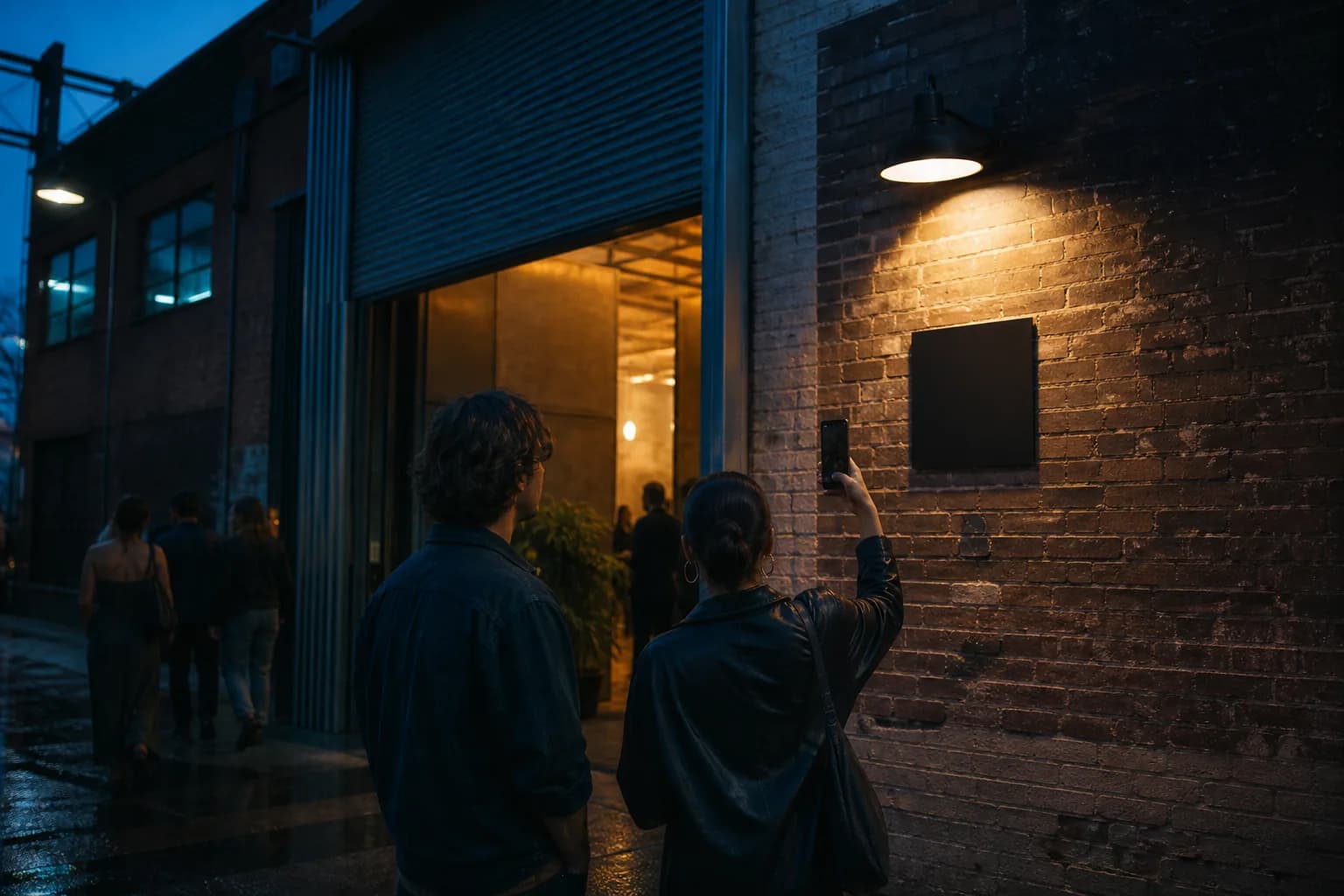
Design for the physical context.
The guest has arrived at the room, booth, stage, or installation—and the physical context makes the reveal meaningful.
The place should clarify why this content opens now. That creates a stronger interaction than treating location as decoration or an invisible gate.
Build the reveal around one clear action.
Keep the visitor’s instruction short: scan, allow precise location, scan once more.
- 01
Choose the guest moment
Name the specific place and action: entering a room, reaching a booth, or standing beside an installation.
- 02
Match the cell to the venue
Start with Venue/P7, inspect the rectangle on the map, and broaden only if real-device testing calls for it.
- 03
Place and rehearse the flow
Print the carrier with a clear instruction, then run the normal-camera and second-scan path where guests will stand.
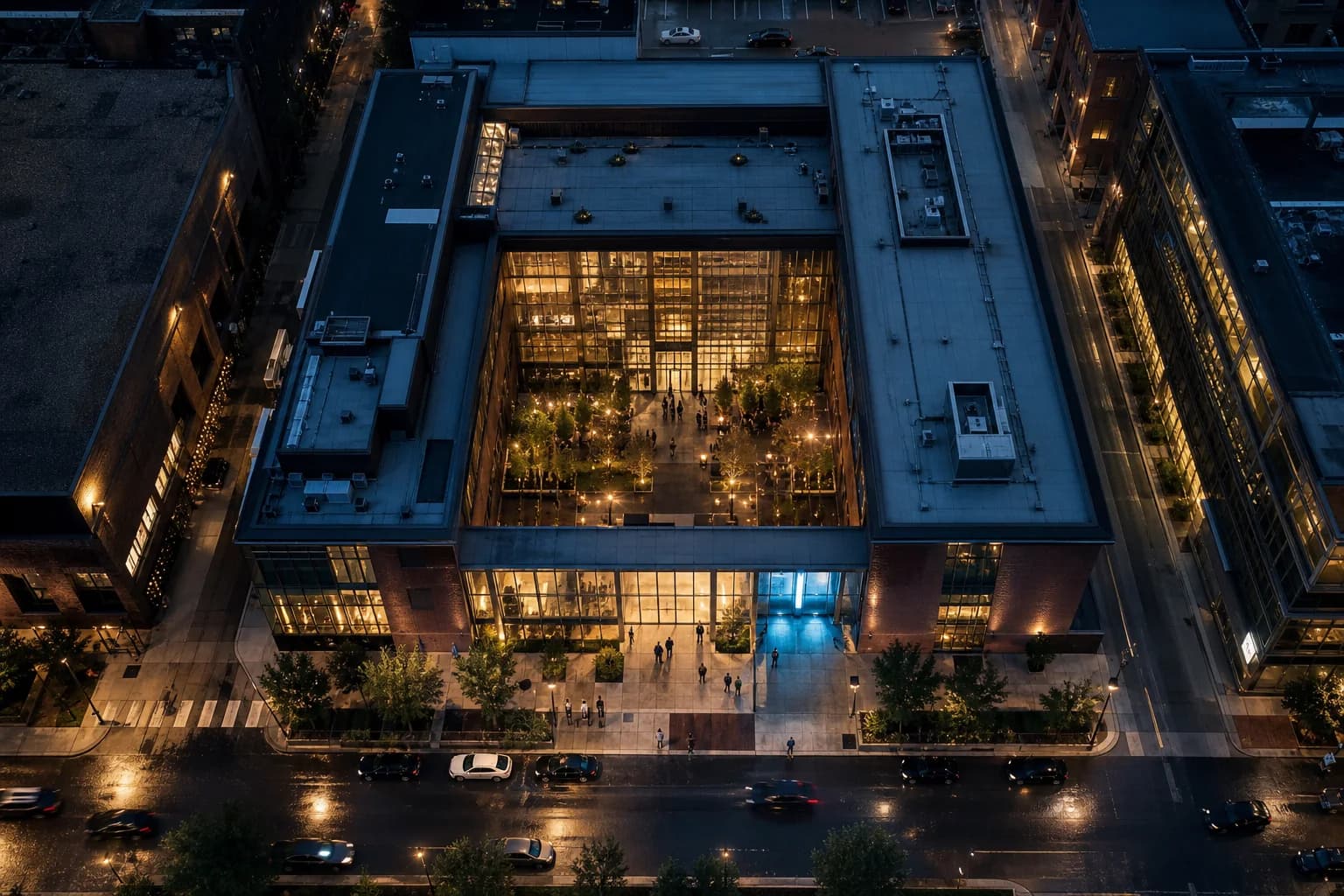
Reported fix · 18 m accuracyInside exact cell
Across the streetOutside · stays locked
- Cell
- P7 · Venue
- Dimensions here
- ≈114 × 153 m
- Sample latitude
- 41.8819° N
Location confirmedThe signal found you.

Start broad enough to reward arrival reliably.
A practical default for a venue footprint. Test indoors and move to Neighborhood/P6 if the GPS fix cannot settle reliably.
The map shows the real geohash rectangle and latitude-adjusted dimensions. Phone accuracy is a separate uncertainty radius, and indoor conditions can change it.
Keep the content focused and mobile-ready.
Wormhole currently creates readable Text or explicit HTTPS Link reveals.
A set list or encore note
A sponsor offer tied to the booth
An artist or curator note
Example wrong-location hint
“You’re close. Head inside the main hall and try again near the installation.”
Before opening
Test the place, not just the PNG.
- 01Test during the same crowd and building conditions expected at show time.
- 02Keep the code flat, matte, high contrast, and well lit.
- 03Give staff a short explanation of the second scan.
- 04Keep a broader-cell fallback ready if venue GPS is unusually coarse.
Try the pattern