
What Taynik receives
Reveal content during creation, and reported coordinates plus accuracy during a protected unlock check. Scan attempts may be counted for creator activity.
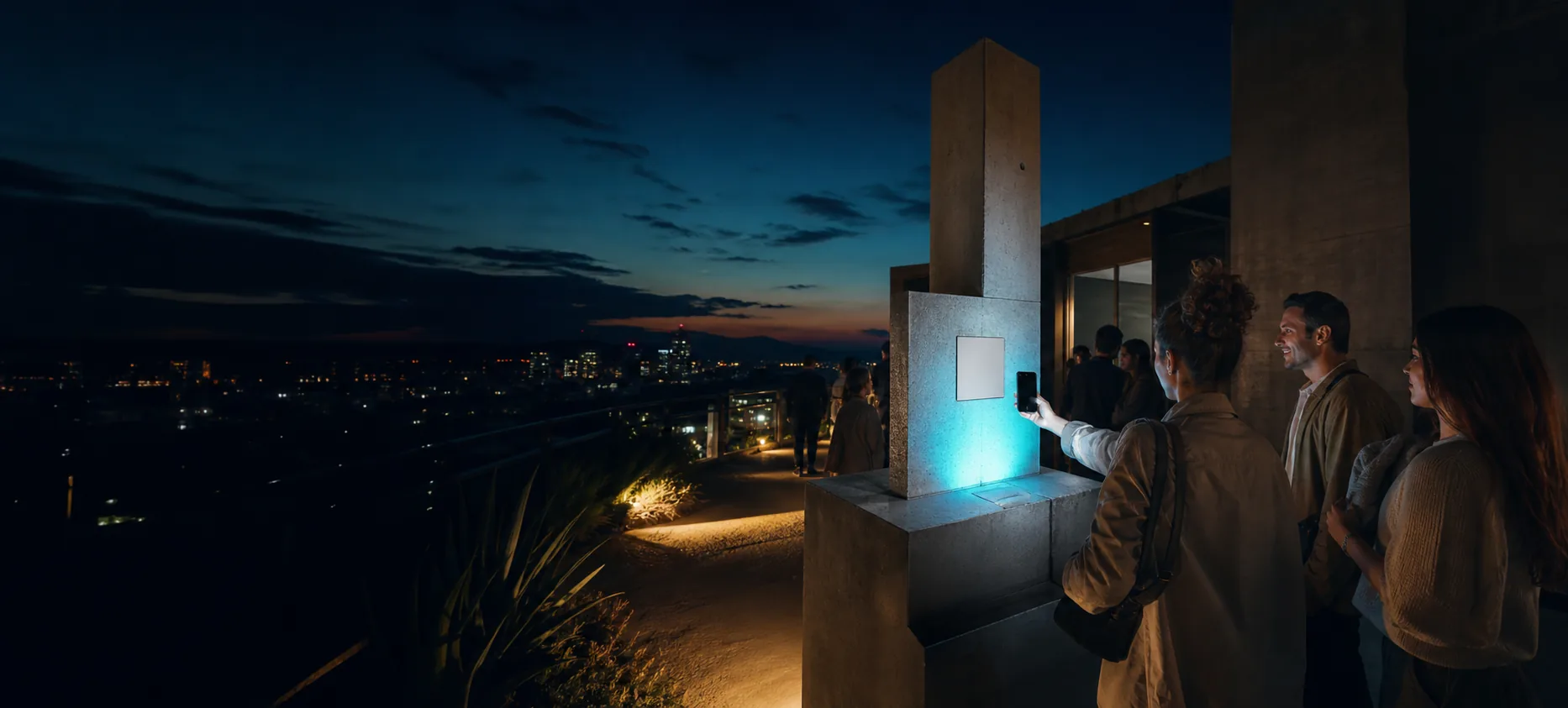
Wormhole keeps the familiar first step—a phone camera scan—then makes the location check explicit before protected content opens.
The visitor always sees when camera and precise location are being requested.
Search an address, use your current location, or move the map pin. Wormhole shows the exact rectangular location cell before you publish a short Text or HTTPS Link reveal.
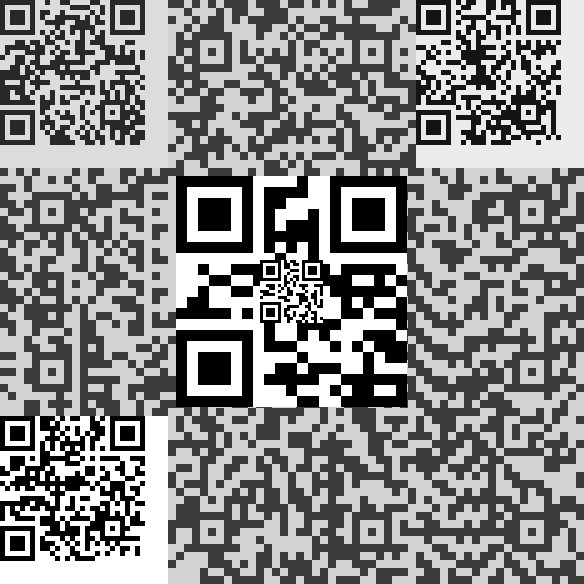
A Classic carrier looks and behaves like an ordinary scannable code. The first scan opens the public Wormhole scanner in the phone’s browser—no app install required.
The visitor taps Start scanner, allows precise location and camera access, then points at the same carrier again. A coarse first GPS fix can improve while the scanner stays open.
When the reported position matches the protected cell, the server releases a per-code secret and decryption completes in the visitor’s browser. Outside the cell, the same carrier stays locked.
wormhole.taynik.net/scan
Allow precise location, start the scanner, and point at the carrier again.
Location confirmed
Opening the reveal…

Wormhole does not hide the scanner URL or rely on a private app. The protected layer and location check create the different outcome.
Links are shown as explicit Open buttons after unlock. Wormhole never auto-redirects or fetches an arbitrary external destination.
Each code is bound to an exact geohash rectangle. Its width changes with latitude, so the creator shows the actual bounds and local dimensions before publishing.
Browser accuracy is different: it is an uncertainty radius around the reported position. Genuine-device boundary smoothing is bounded to 25 m; it does not turn the cell into a circle.
Reveal content during creation, and reported coordinates plus accuracy during a protected unlock check. Scan attempts may be counted for creator activity.
Who the visitor is, whether GPS was spoofed, or high-stakes attendance and safety claims. Design around those limits.
Practical questions
Yes. Classic is the default carrier. The normal Camera app opens Wormhole’s public scanner, and the second scan reads the protected layer.
They can forward or print the carrier, but the protected reveal still depends on the scanning phone reporting a position inside the chosen cell.
Phone GPS varies around dense buildings and indoors. Choose a broader cell when needed, allow precise location, and test the finished print at the real place on current iOS and Android devices.
No. Location can be spoofed, and Wormhole does not identify the visitor. It is creative proof of place, not high-stakes proof of identity, safety, or legal presence.
The guided demo uses the same image decoder and accuracy-aware location path as the production scanner.